01
Desktop
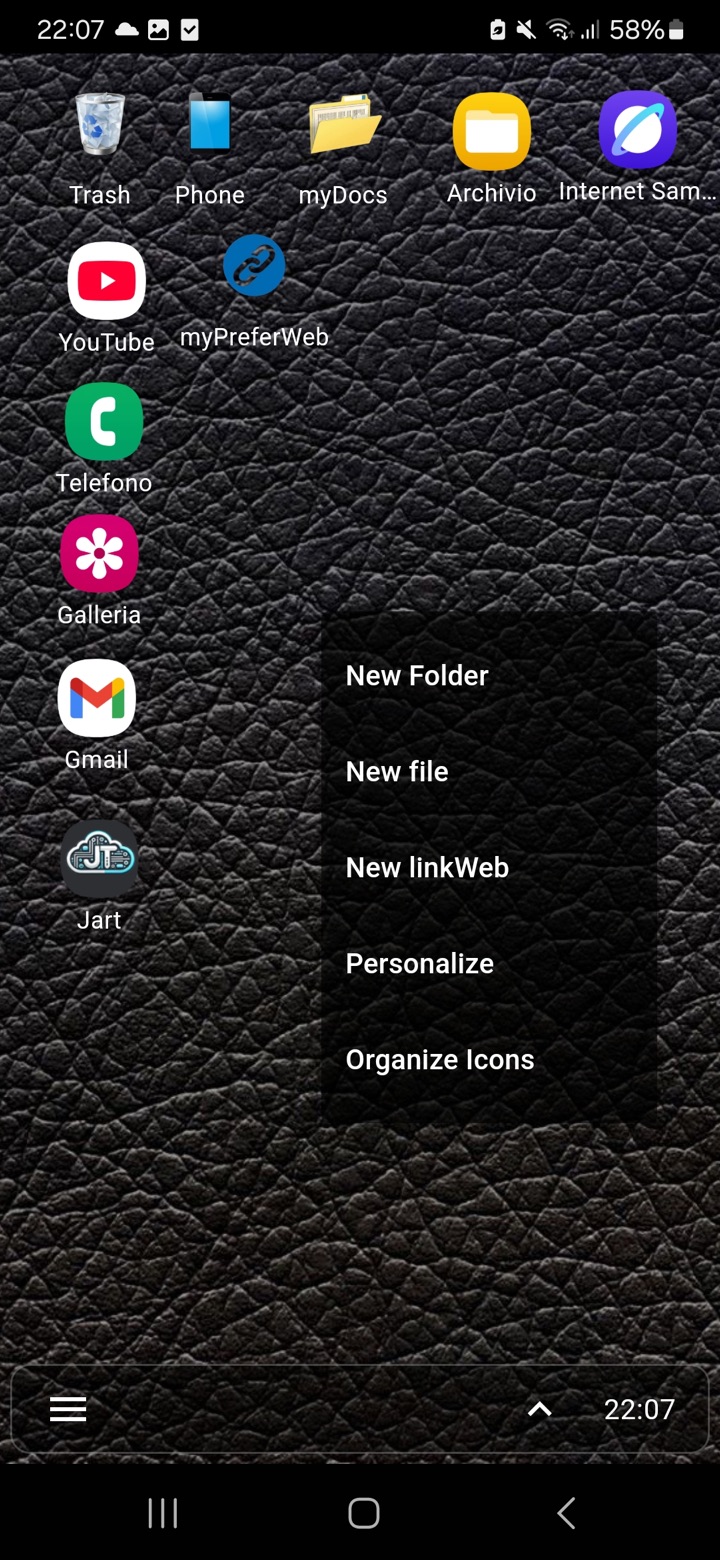
Clickable icon on the desktop with the app name and a “Sponsored” label.
Put your app in front of DroidDesktop non-Premium users, with clearly marked placements, a direct store link and easy-to-read weekly results.
 Want to see the product before promoting your app? Try DroidDesktop.
Reach active non-Premium DroidDesktop users with a single click.
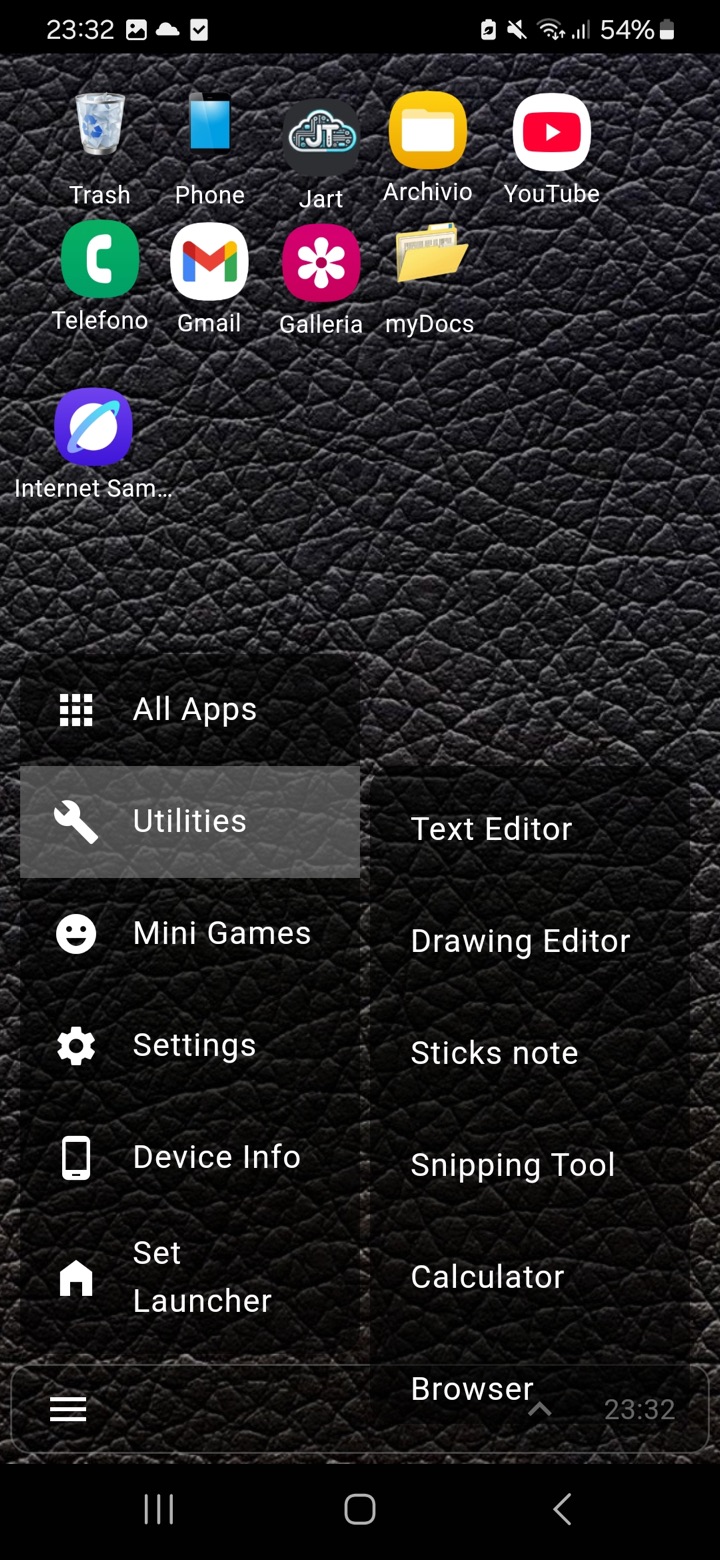
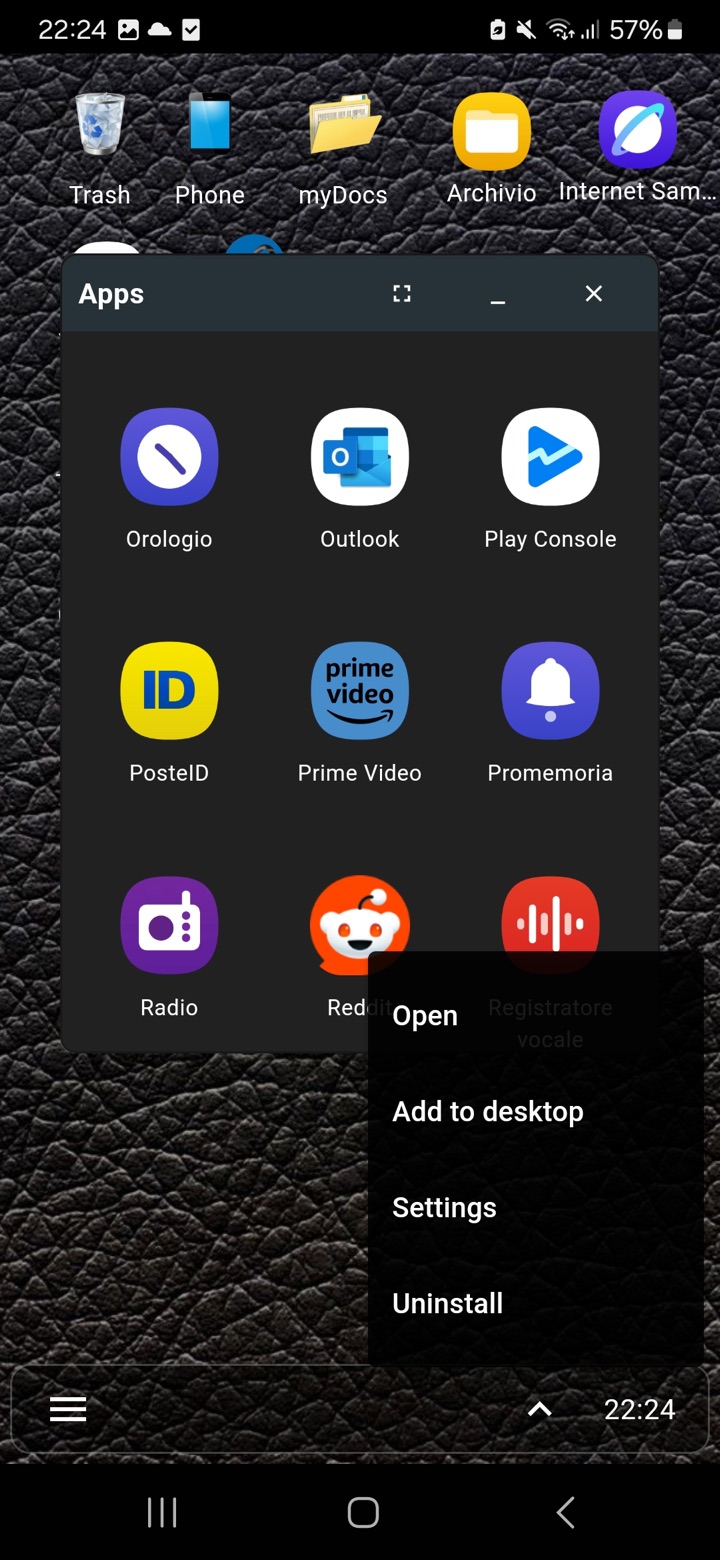
These images come directly from DroidDesktop and show the desktop, app list, tools and personalization.
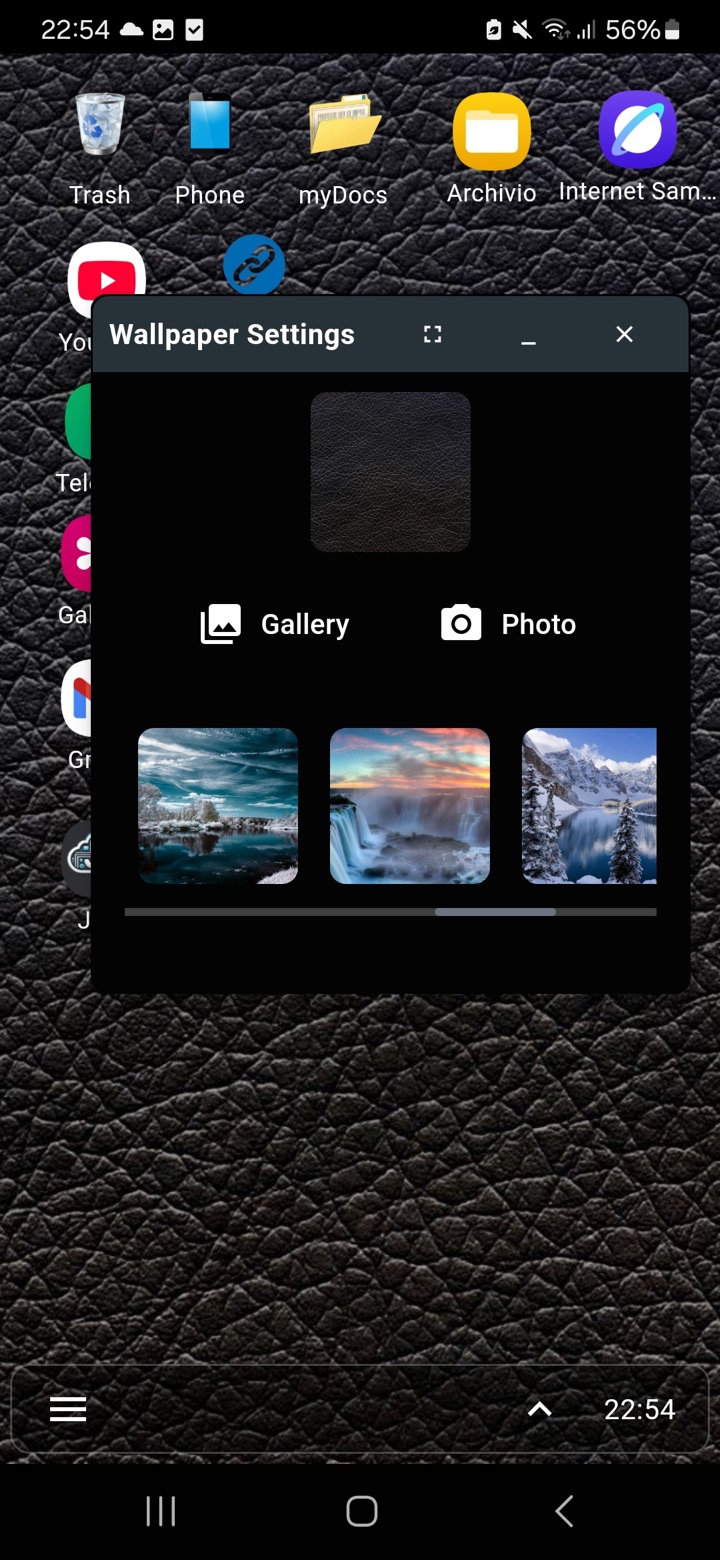
Open the real app, explore the placements and evaluate the experience before creating your campaign.
Each campaign can run in one or more placements. Every sponsored item is clearly identified.
Clickable icon on the desktop with the app name and a “Sponsored” label.
Dedicated section in the All Apps window, separate from installed apps.
Clickable name and icon in the games menu for gaming campaigns.
Placement in the tools menu for utilities, productivity, PDF and professional apps.
Daily pricing with no subscription or automatic renewal. A private dashboard and weekly report are included.
Your app appears as a real clickable icon on Free users’ Desktop.
Choose one or more dedicated sections based on your app’s category and audience.
If you choose multiple placements, their daily rates are added together. The summary instantly updates the rate, duration and total before opening Stripe.
A private dashboard with views, clicks, CTR and placement performance, plus an email summary every Monday.
The portal is ready to send data to an HTTPS Cloud Function, start checkout and create the campaign after confirmation.
Provide the name, store URL, category and official icon.
Select Desktop, App list, Games or Tools.
Checkout will show the price, duration and any additional options.
Check the dashboard and receive a 7-day summary every Monday.