A desktop you recognize instantly
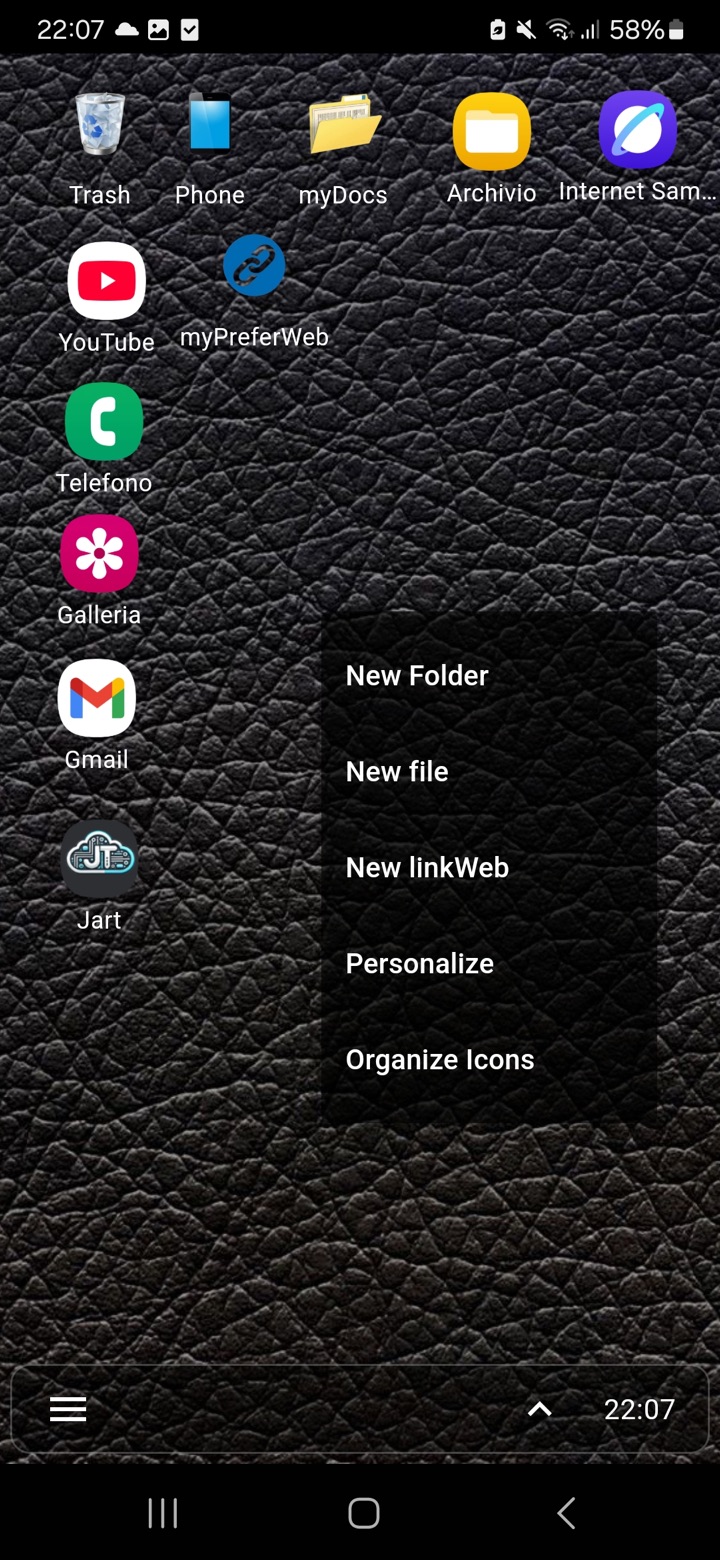
Organize icons, folders and shortcuts in a clear workspace inspired by the desktop experience.
DroidDesktop is a PC-style launcher with windows, taskbar, folders, widgets and built-in tools, designed for phones, tablets and external displays.
Every screen below comes from the real app, so you can see the experience before downloading it.
Organize icons, folders and shortcuts in a clear workspace inspired by the desktop experience.
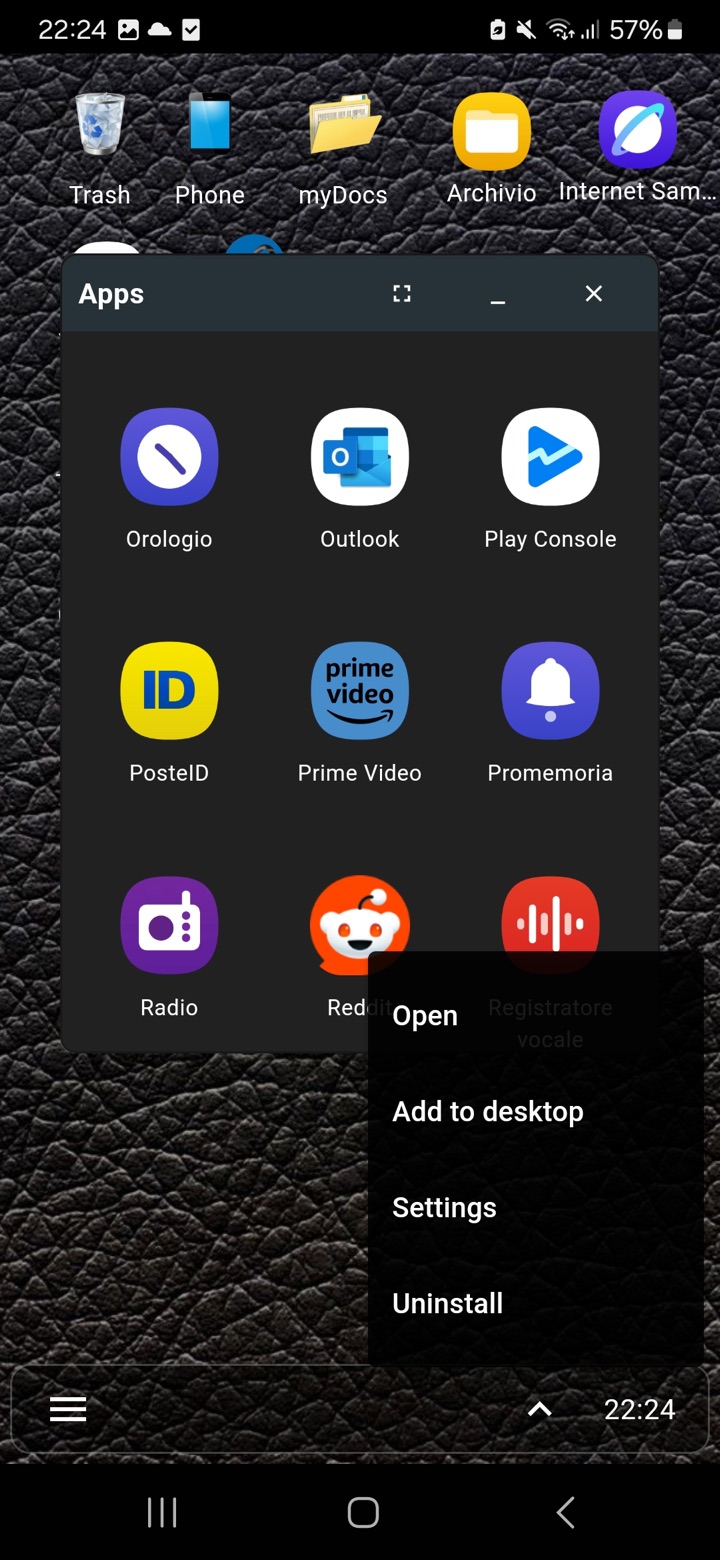
Browse apps in an orderly environment and quickly reach what you need.
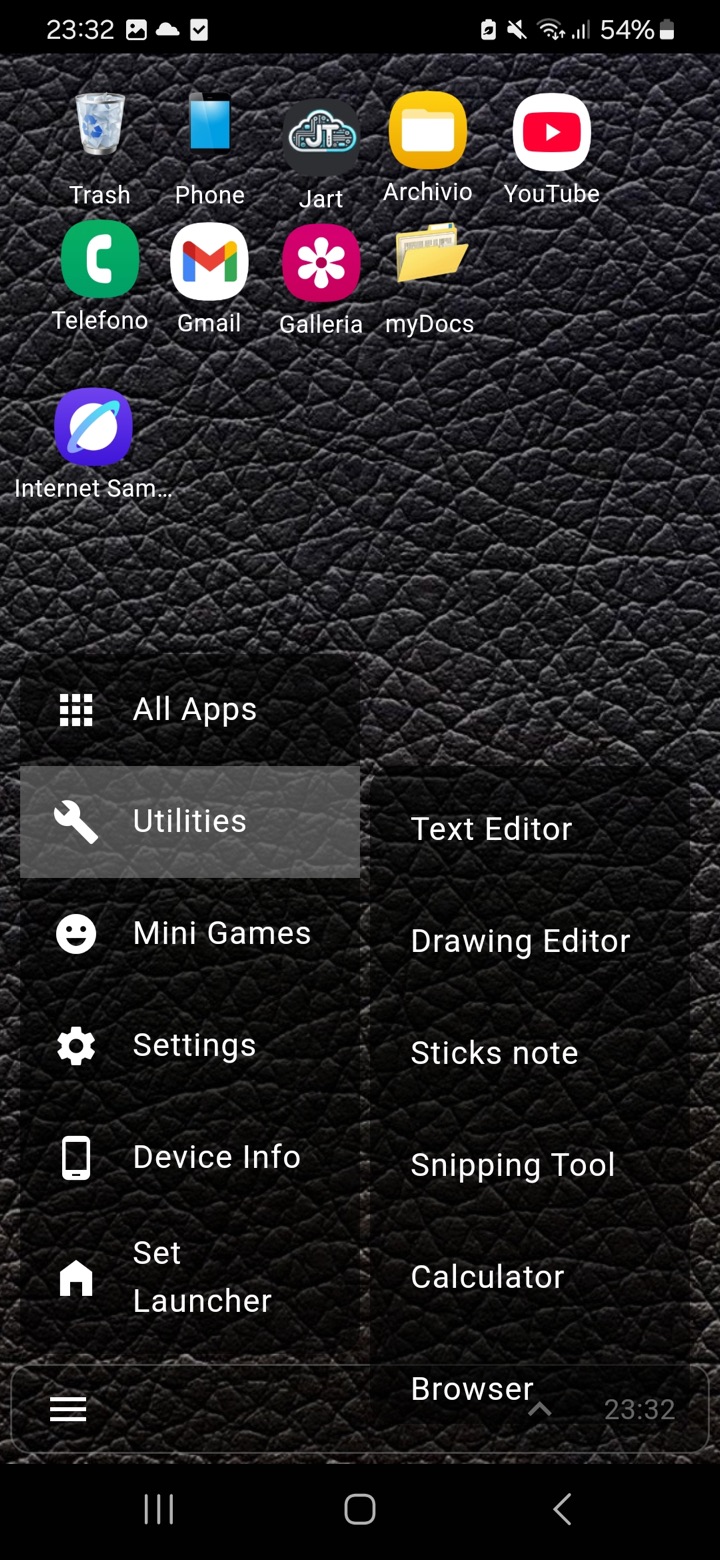
Everyday utilities and functions stay accessible from a menu consistent with the whole desktop.
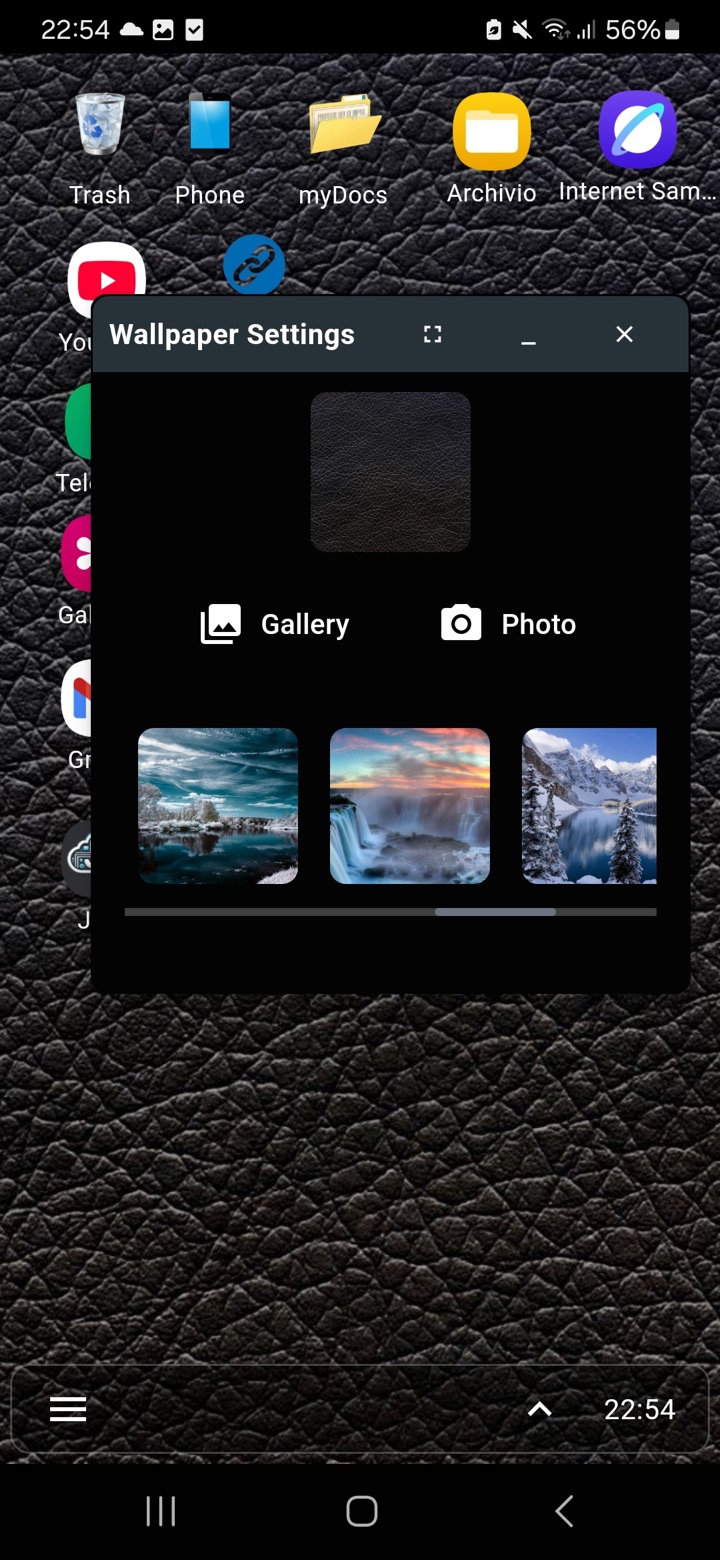
Customize the look and create an Android environment closer to how you work.
DroidDesktop brings organization, multitasking, widgets and device controls together in one consistent interface.
Build a desktop that fits you and keep every item in the right place.
Use a familiar window-based workflow on your Android device.
Keep useful information visible without giving up workspace.
Protect your workspace and quickly return to your preferred layout.
Adapt DroidDesktop to your device, context and style.
Reach installed apps and see what needs your attention.
Move, resize, lock or make widgets transparent to blend them with your wallpaper and icons.
A desktop interface should not complicate your device; it should make apps, tools and tasks easier to read.
Share DroidDesktop with a computer on the same Wi-Fi using an address, QR code and security code.
Record MP4 video or select an area, save the image and share it from the Snipping Tool.
Detect Android-supported displays, view video details and quickly access casting.
Access Wi-Fi, Bluetooth, keyboard, printing, video output and sharing without leaving the desktop.
A collection of utilities designed to open in windows and work alongside the rest of your workspace.
Text editor with PDF export, sticky notes, drawing editor and Image Studio to edit, crop, rotate and filter images.
Sign PDFs from the desktop, create documents, use printing tools and share files with compatible apps.
Task Scheduler for reminders, notifications, email and API calls, running in the background under Android rules.
Snipping Tool for selected screenshots, PNG saving, sharing and full MP4 screen recording.
Calculator, browser, clock, system information, task management and quick access to Android settings.
Manage apps, folders, links, files, recycle bin and shortcuts directly from the desktop.
Pac Jart, Mole Rush and Jart Space open in windows for a quick break without leaving your workspace.
Multilingual guides explain core features, quick controls, widgets and advanced options.
The free version lets you explore DroidDesktop with ads, sponsored apps and usage limits. Pro removes interruptions and unlocks the full experience.
DroidDesktop adds a desktop experience to Android without replacing operating system features.
No. It is a launcher and desktop environment that runs on Android. Use it as an app or set it as your default launcher.
Yes. The interface adapts to phones and tablets; external displays, video output and desktop mode depend on the Android device capabilities.
Start a local session and connect a computer on the same Wi-Fi using the shown address, a QR code and a six-digit code. Every connection requires approval.
Free is supported by ads, sponsored apps and some limits. Pro removes ads and sponsorships, removes Free limits and enables Pro tools.
DroidDesktop supports Italian, English, German, French, Spanish and Portuguese. Choose a light, dark or system-based automatic theme.
From a quick check on your phone to a larger screen, DroidDesktop keeps the environment familiar.
A different way to reach apps and tools without giving up Android’s familiarity.
More room to organize items and use a layout closer to a desktop.
An interface designed to make better use of larger screens connected to your device.
Download the app from Google Play and explore the desktop, app list, tools and personalization yourself.